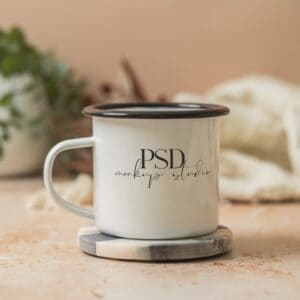
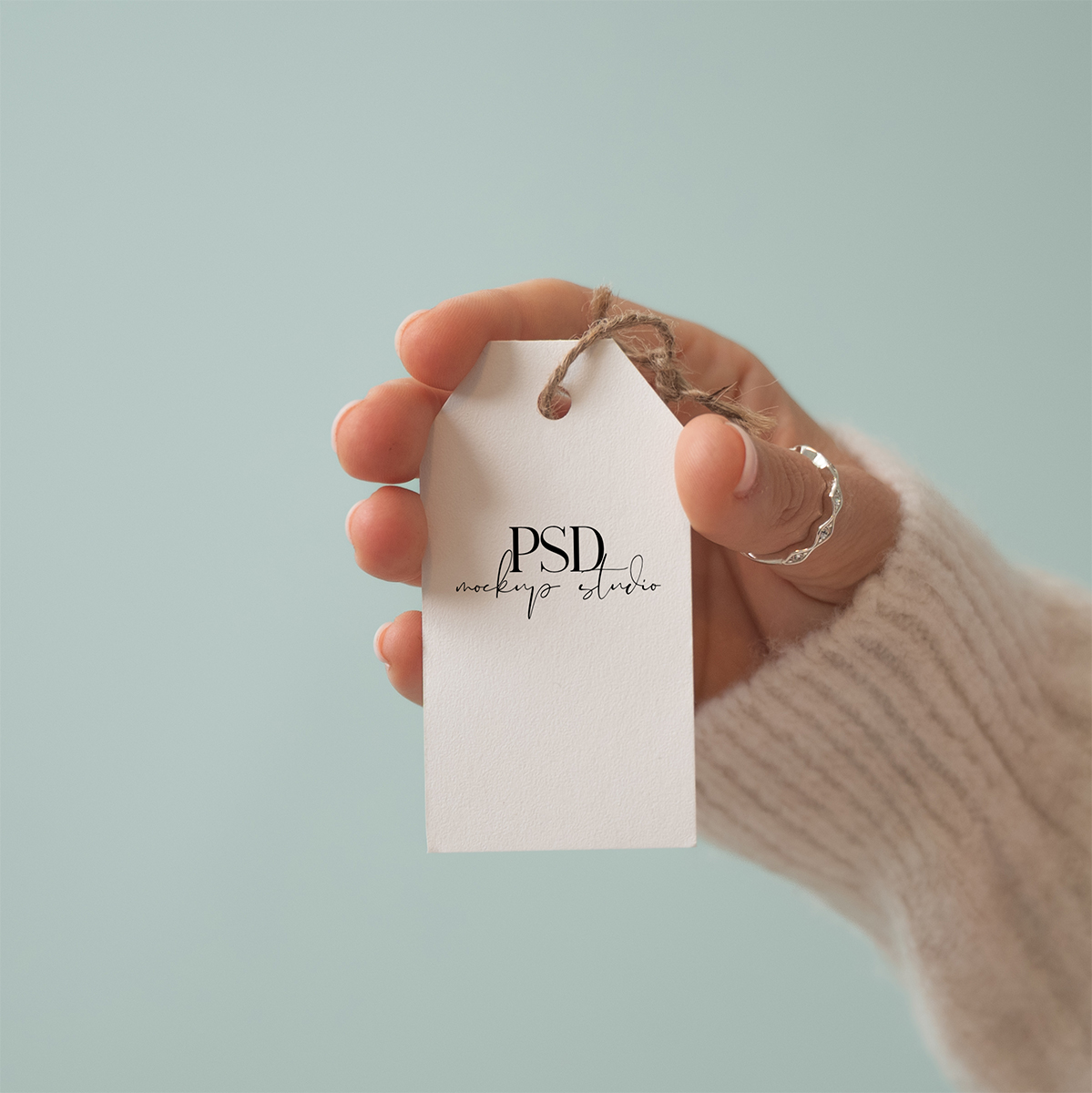
A free 11oz ceramic mug mockup PSD you can use to present your designs for print-on-demand listings and Etsy shops. This is a real photo of a hand holding a white 11 ounce coffee mug. This works in Photoshop and Photopea, with a smart object layer so you can drop in your artwork and export a finished mockup in under a minute.

What’s included
- One PSD file, 3600 x 2400 px at 300 DPI
- Real photo, not AI
- Standard 11oz ceramic coffee mug (white, glossy finish)
- Neutral styled background (plain surface, soft light)
- Proper margins from the rim, base, and handle built in, so your design sits where it would on a real printed mug. This sits slightly offset from dead-center, which matches how 11oz mugs are actually printed.
- Compatible with Photoshop and Photopea
- Free for personal and commercial use, including Etsy and print-on-demand listings
Grab your free mug mockup!
Enter your email and I’ll send the PSD link straight to your inbox.
How to use it in Photoshop
- Open the PSD in Photoshop (File > Open)
- Find the layer labeled “Your Design Here” in the Layers panel
- Double-click the smart object thumbnail to open the design canvas in a new tab
- Drop your design in, fill the canvas, and save with Cmd/Ctrl + S
- Go back to the mockup tab and export with File > Export > Export As
If you already have a full wraparound print file from a print-on-demand supplier, just drop it into the smart object and scale it down to fit the canvas.
New to smart objects or need a walkthrough with screenshots? Here’s my full guide: How to Use PSD mockups
How to use it in Photopea
Don’t have Photoshop? Photopea is a free browser-based editor that opens PSDs and supports smart objects, which means this mockup works there too.
The quick version:
- Go to photopea.com and open the PSD (File > Open)
- Double-click the “Your Design Here” smart object layer
- Drop your design into the canvas and save with Ctrl + S
- Export from the mockup tab with File > Export As > JPG or PNG
Same rule for full wrap files: drop them in and scale to fit the smart object canvas.
Want the full walkthrough with screenshots? Here’s my complete guide: How to Use Photopea for PSD mockups

How you can use this mockup
This free mug mockup is licensed for personal and commercial use. You can use it to:
- Present your own mug designs in Etsy listings, online shops, or social media
- Show design concepts to clients
- Use it in your product photography for print-on-demand shops
- Include it in your own portfolio or marketing materials
What you can’t do
Please don’t:
- Resell or redistribute the mockup PSD file, whether as-is, edited, or rebranded
- Include the mockup in a bundle, template pack, or resource that you sell or give away
- Share the download link or file directly with others (please send them here to grab their own copy instead)
- Claim the mockup as your own work or remove any credit/branding from the source files
Want more mug styles?
This is one of many mug mockups in my shop. If you’re selling mug designs on Etsy, running a print-on-demand shop, or putting together product previews for clients, you’ll probably want a few different looks on hand.
My shop has a growing range of 11oz mug mockups in different styles, colors, and settings, so you can mix and match to build a gallery that feels cohesive without looking repetitive. New mockups get added regularly, so it’s worth checking back (or better, joining the email list so I can let you know when new ones land).
FAQs
More from our Shop
See what else we’ve got!