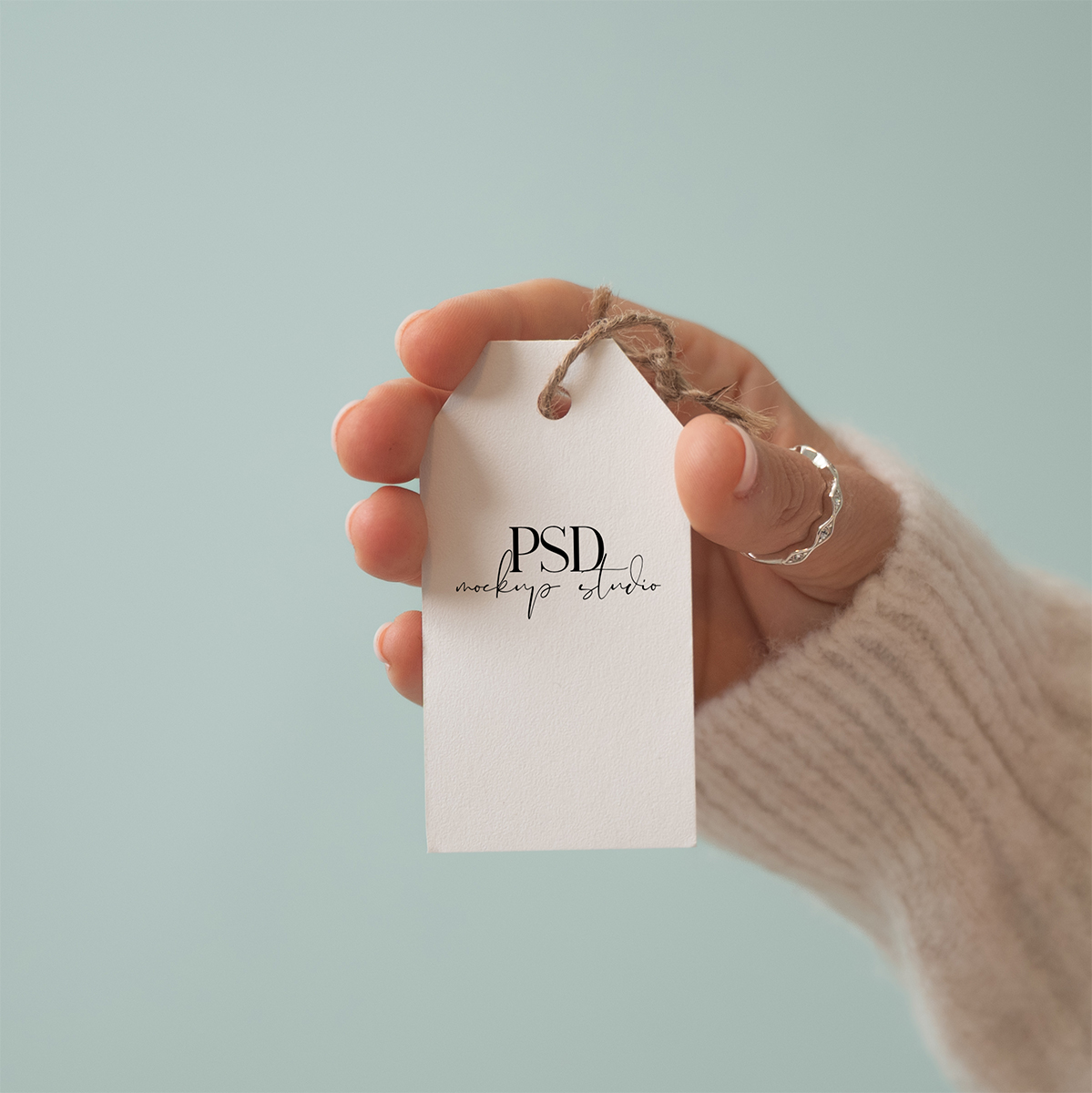
A free gift tag mockup PSD, ready to use in Photoshop or Photopea. If you sell printable tags, labels, or small stationery designs on Etsy, this mockup gives your listings a professional product feel without you needing to print, hang, and photograph every single design yourself. Drop your tag design into the smart object and you’ll have a finished mockup in under a minute.This is a real photo.
What’s included
- One PSD file, 3600 x 2400 px at 300 DPI
- Real photo, not AI generated
- White cardstock gift tag with natural twine, held against a soft sage background
- Smart object layer sized for the tag’s printable face, with the twine and shadow staying in place when you swap your design in
- Compatible with Photoshop and Photopea
- Free for personal and commercial use, including Etsy listings, printable shops, and client work
Grab your free tag mockup!
Enter your email and I’ll send the PSD link straight to your inbox.
How to use it in Photopea
Don’t have Photoshop? Photopea is a free browser-based editor that opens PSDs and supports smart objects, which means this mockup works there too.
The quick version:
- Go to photopea.com and open the PSD (File > Open)
- Double-click the “Your Design Here” smart object layer
- Drop your design into the canvas and save with Ctrl + S
- Export from the mockup tab with File > Export As > JPG or PNG
Same rule for full wrap files: drop them in and scale to fit the smart object canvas.
Want the full walkthrough with screenshots? Here’s my complete guide: How to Use Photopea for PSD mockups
How to use it in Photoshop
- Open the PSD in Photoshop (File > Open)
- Find the layer labeled “Your Design Here” in the Layers panel
- Double-click the smart object thumbnail to open the design canvas in a new tab
- Drop your design in, fill the canvas, and save with Cmd/Ctrl + S
- Go back to the mockup tab and export with File > Export > Export As
If you already have a different sized file from a print-on-demand supplier, just drop it into the smart object and scale it up or down to fit the canvas.
New to smart objects or need a walkthrough with screenshots? Here’s my full guide: How to Use PSD mockups
How you can use this mockup
This mockup is free for personal and commercial use, including Etsy listings, printable shops, client work, and social media.
A few things this licence doesn’t cover:
- You can’t resell the PSD file. That includes selling it as-is, editing it, rebranding it, or adding it to bundles or template packs you sell.
- You can’t share the file directly with others. If a friend or colleague wants it too, please send them to this page so they can grab their own copy.
- You can’t claim it as your own original work. You can use it freely in your projects, but the mockup itself is my work, not yours.
If you’re ever unsure whether a specific use is okay, send me a quick email and I’ll let you know.

FAQs
Want more stationery mockups?
This is one of many printable and stationery mockups in my shop. If you’re selling printables on Etsy (tags, cards, labels, stickers, invitations), you’ll know how much your listing photos affect whether buyers click. A flat PNG of your design doesn’t sell as well as a beautiful styled mockup that shows the printable in real life.
My shop has a growing range of stationery mockups: cards, tags, hang tags, invitations, and more, all photographed in real settings with consistent styling so you can build a cohesive Etsy listing gallery. New mockups get added regularly!
More from our Shop
See what else we’ve got!